

Carry your library everywhere.
Download Readd directly on your Android and turn every read into a story you can keep.
Download Readd for Android- Official Readd APK
- Version beta · free
We're starting with Android · iOS is on its way

After downloading
Three steps and you're in
Download the APK
Save Readd's official file to your phone.
Allow the install
Android will ask you to allow installs from your browser or file manager.
Open Readd
Create your account, add your first book and start tracking your reads.
From the shelf to your stats, effortlessly
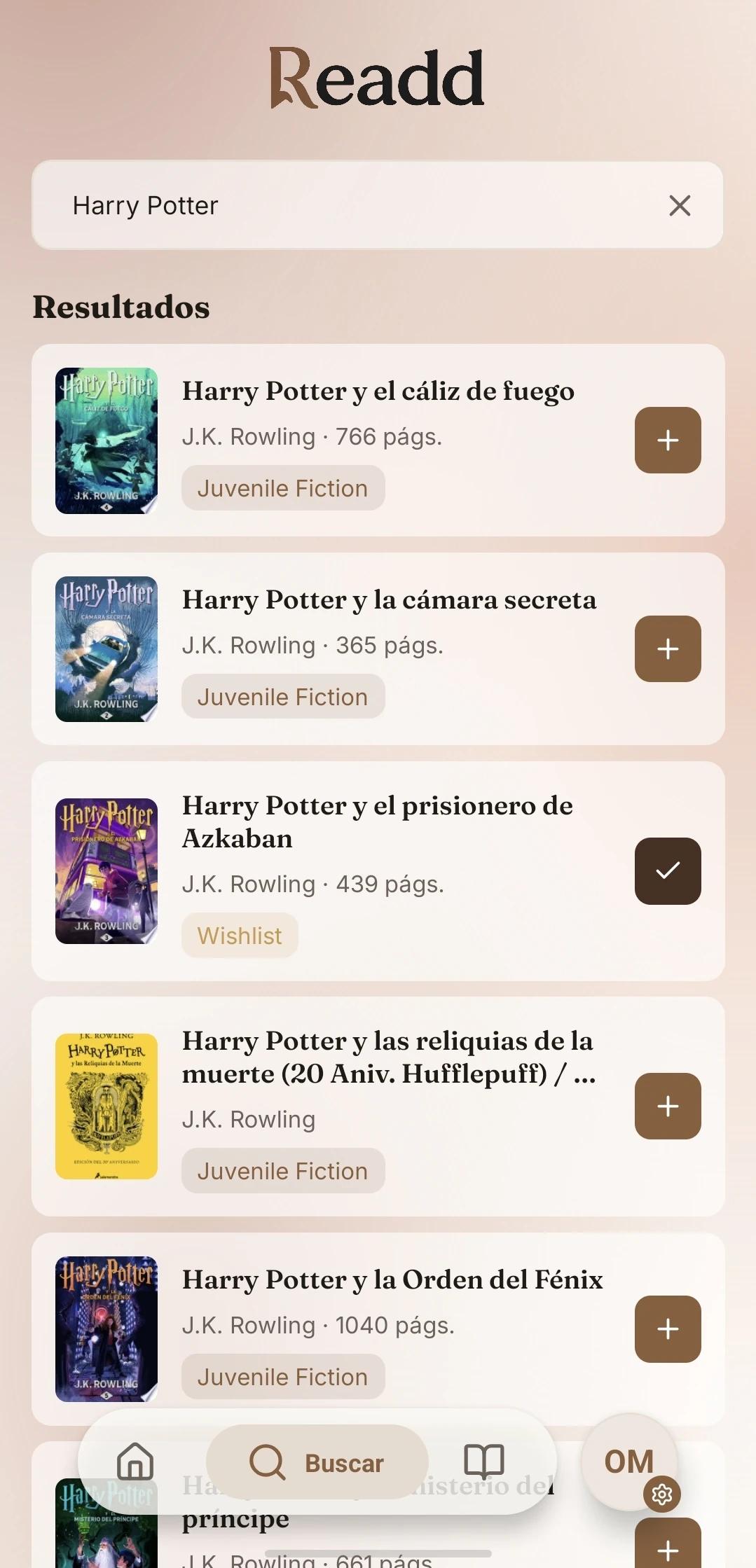
Search for your favorite books
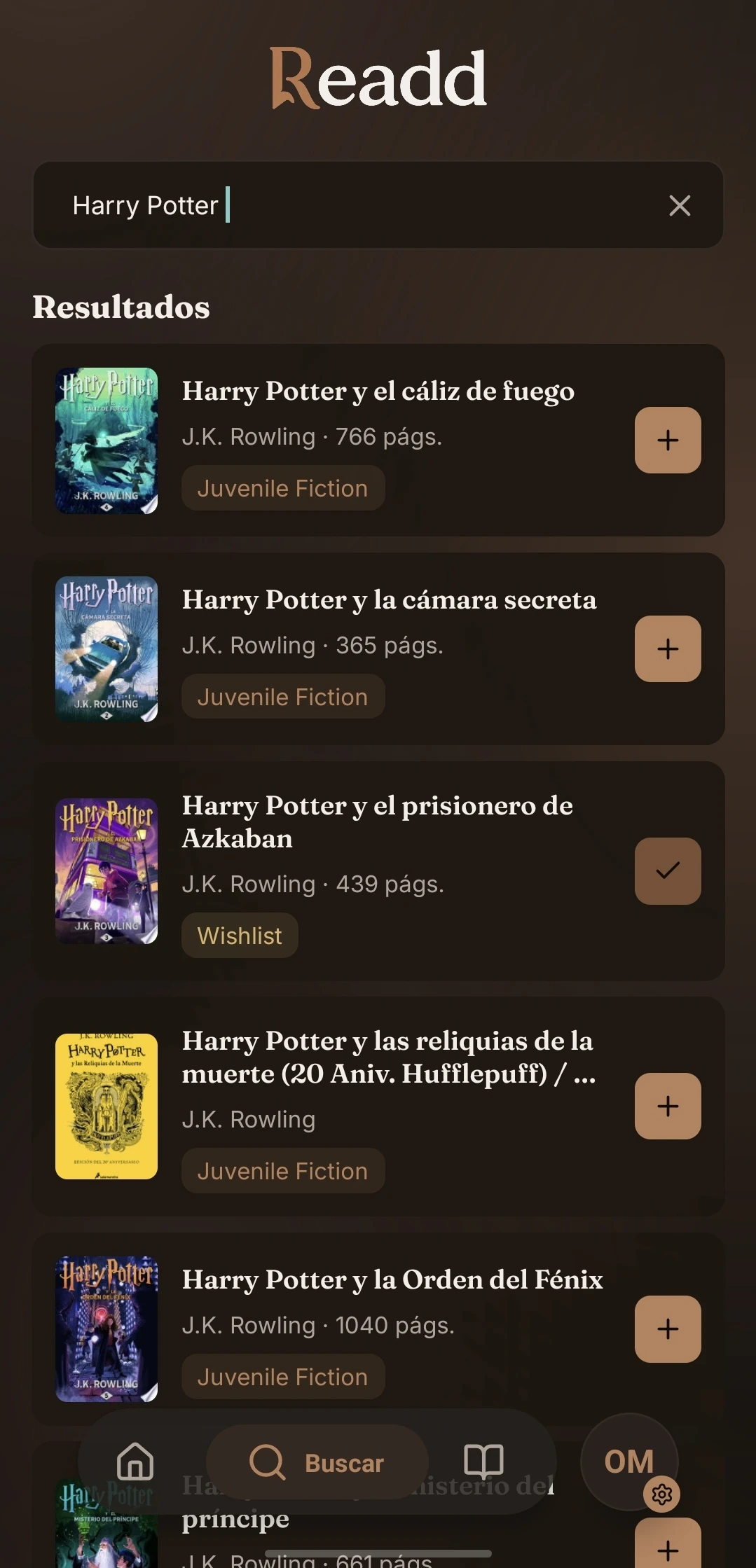
Search by title, author or ISBN and find that book you want to read. Readd checks its own catalog plus sources like Google Books and Open Library.
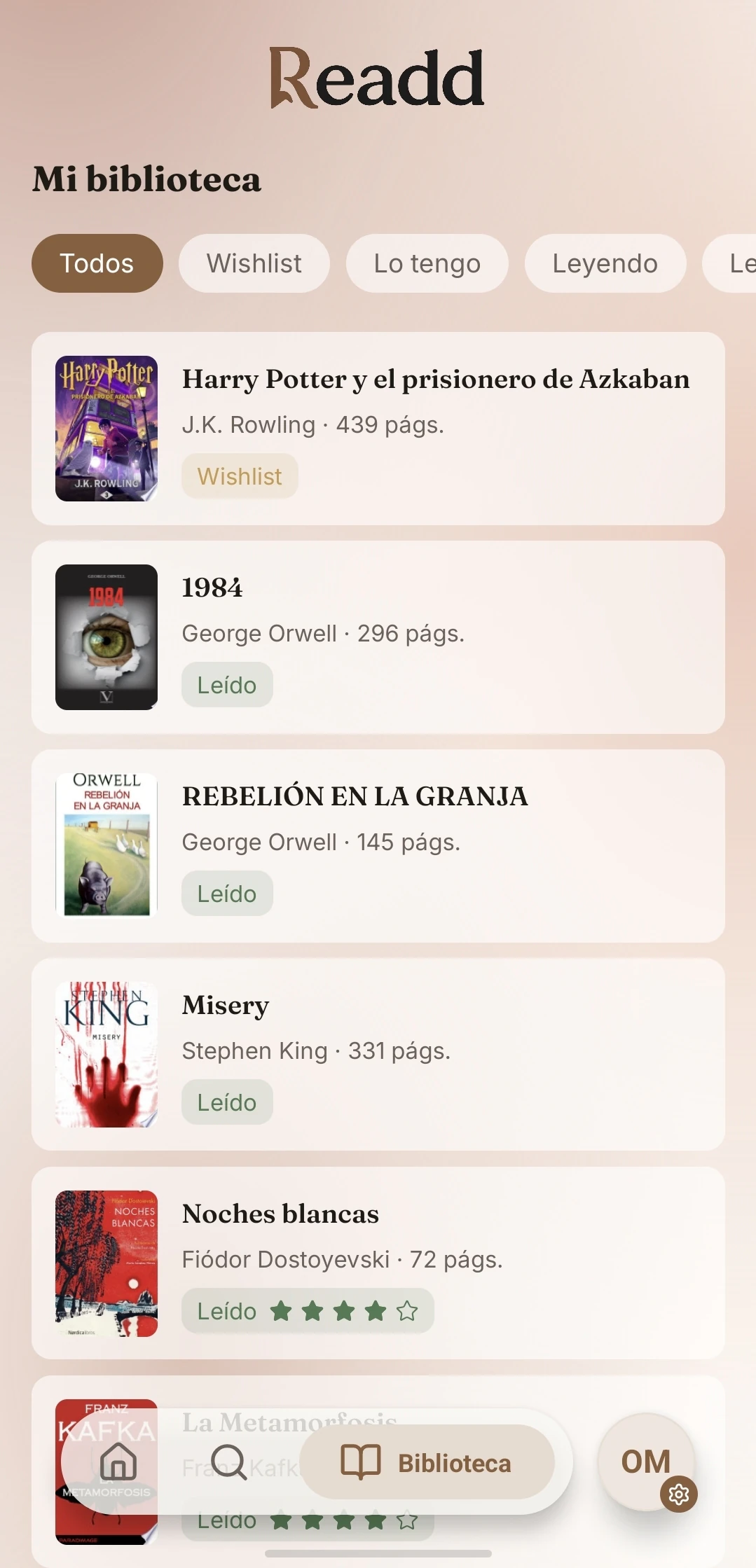
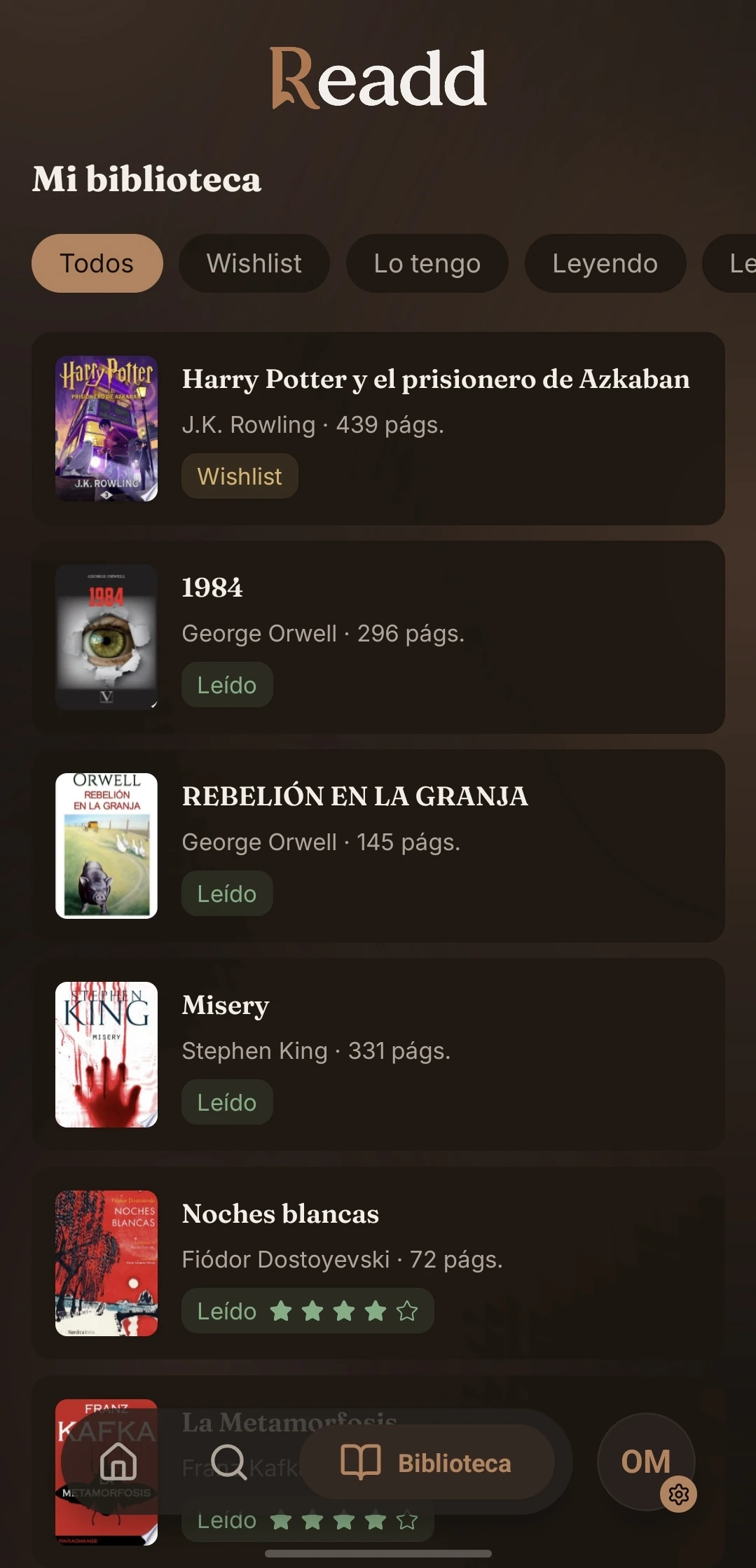
Add them to your library
Add each book and organize it by status: Wishlist, Owned, Reading or Read. Filter your collection at a glance.
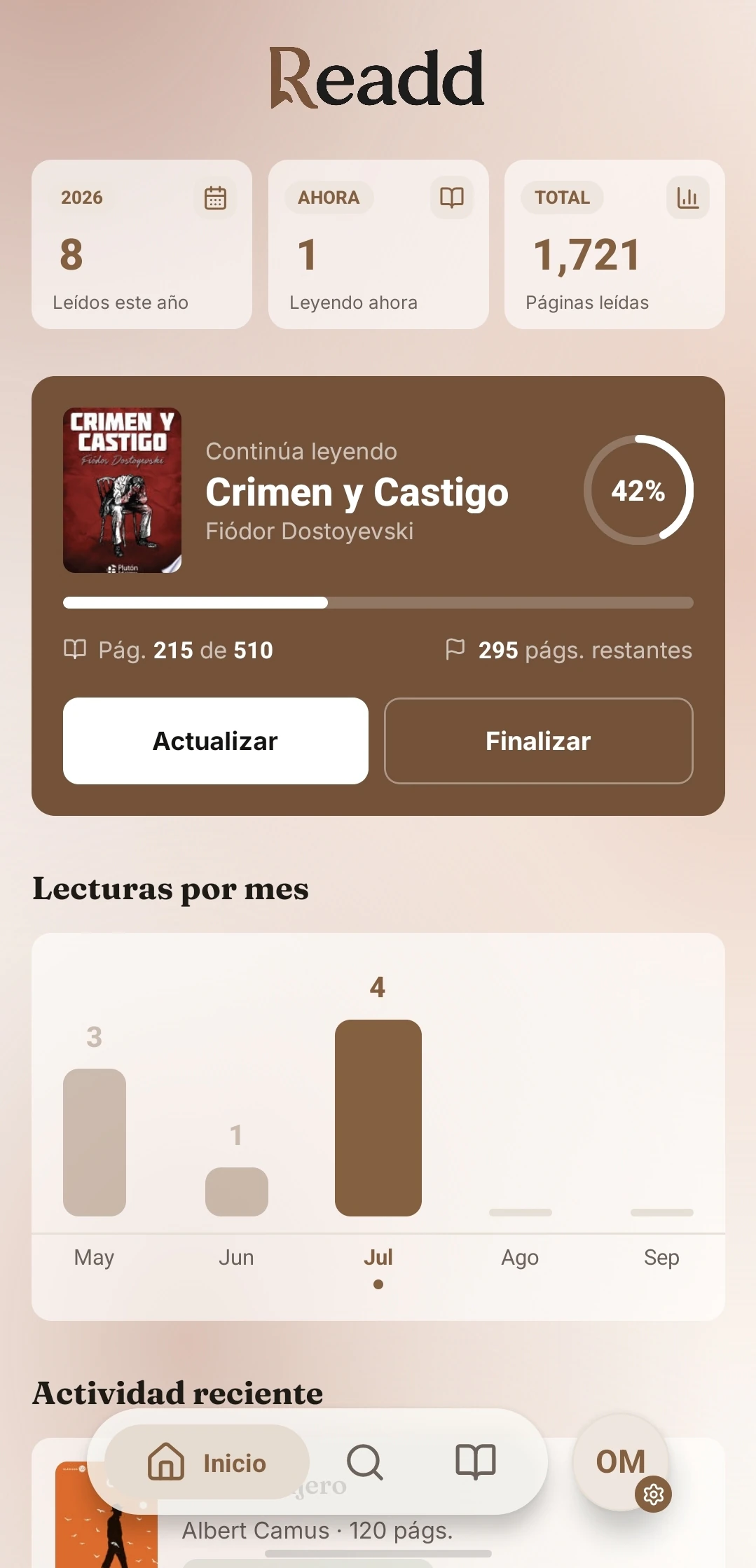
Track your progress
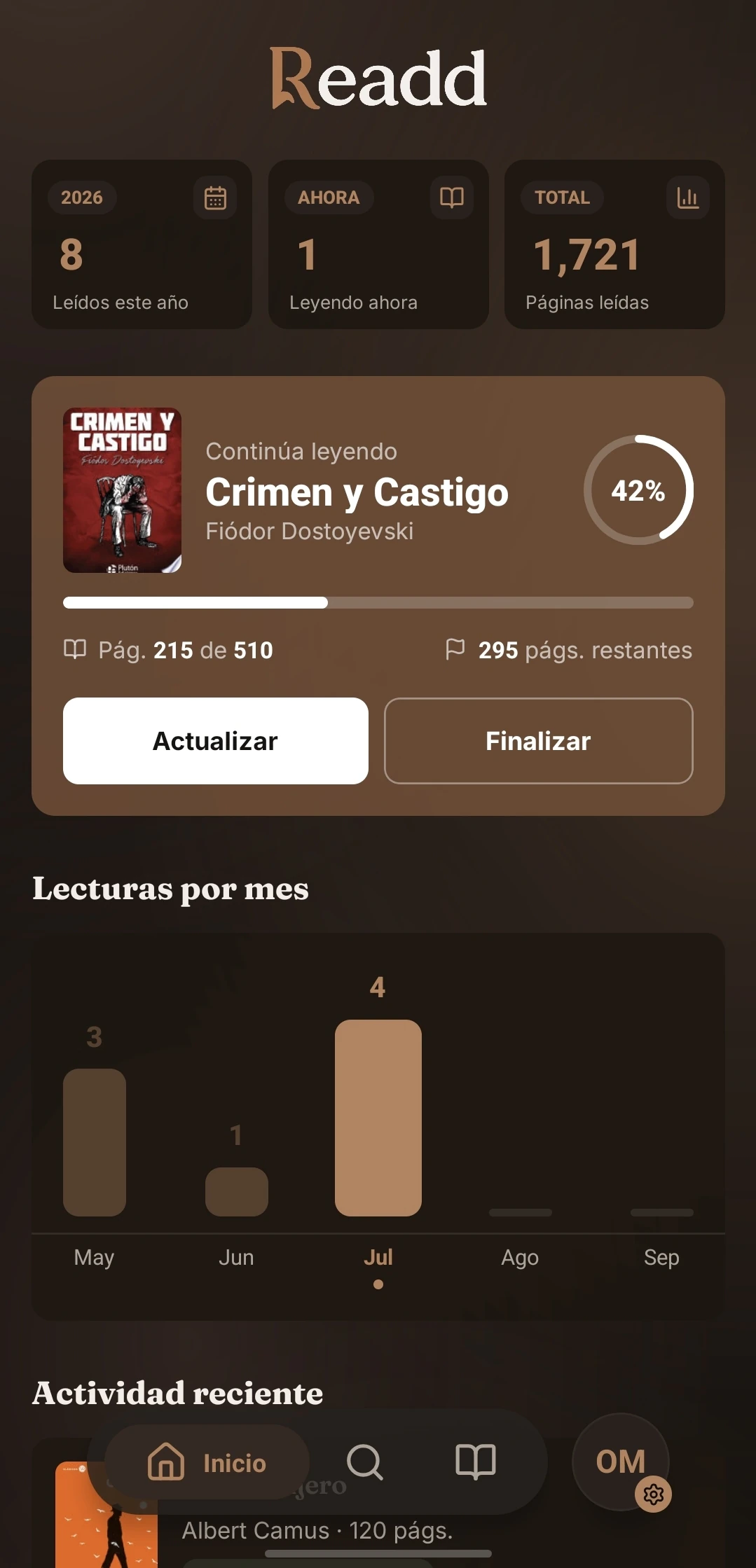
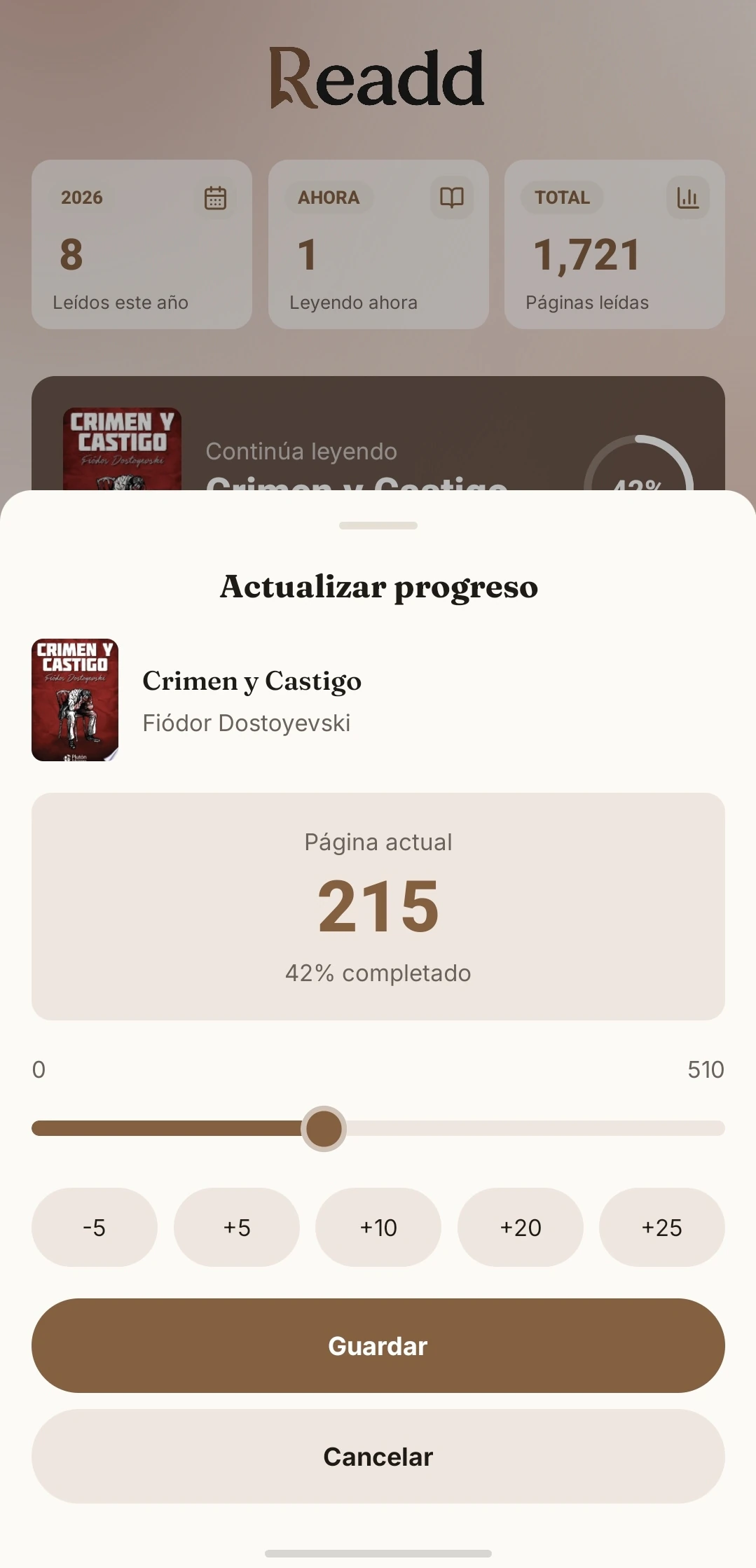
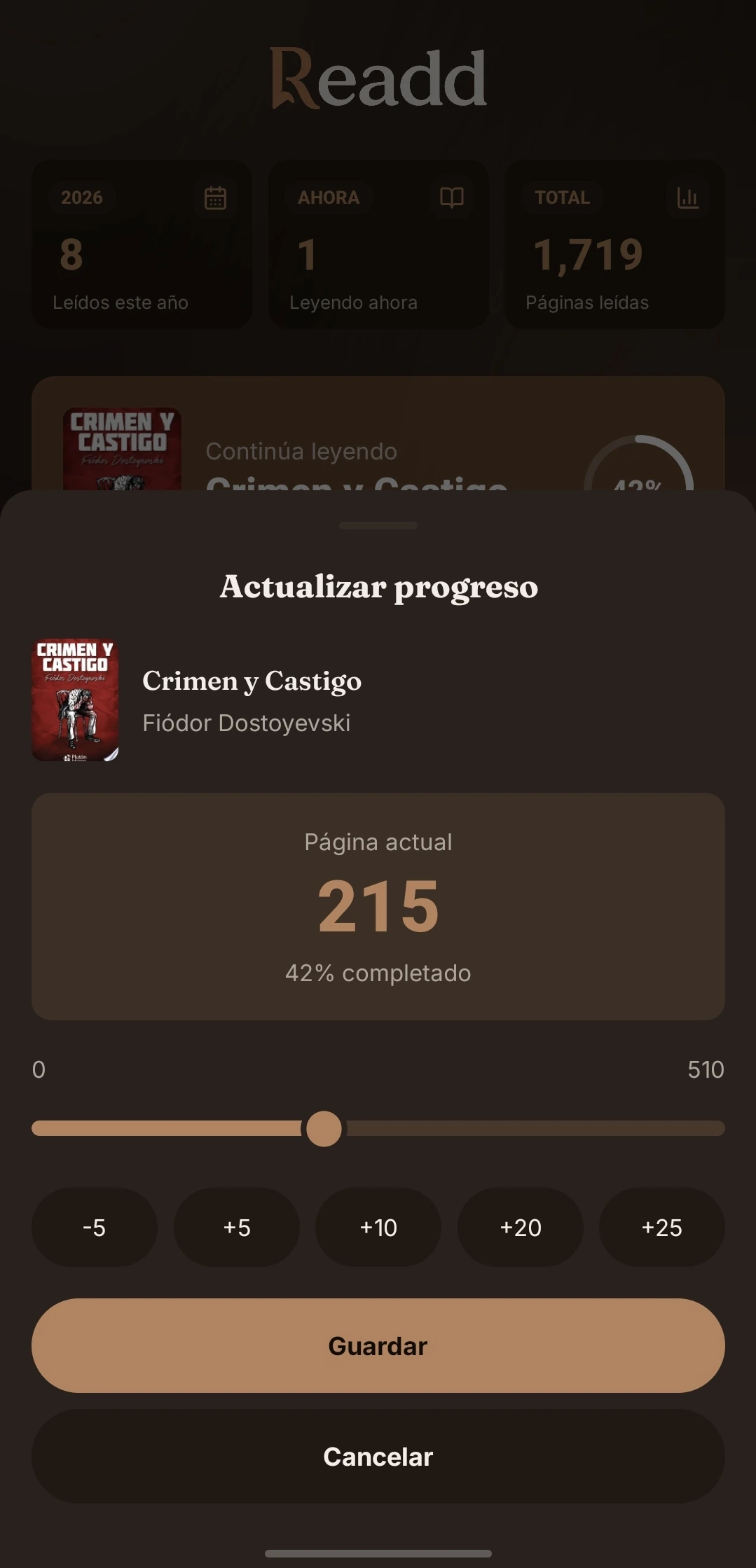
Log the page you are on and Readd calculates your progress percentage. Pick up right where you left off and see your reads by month.
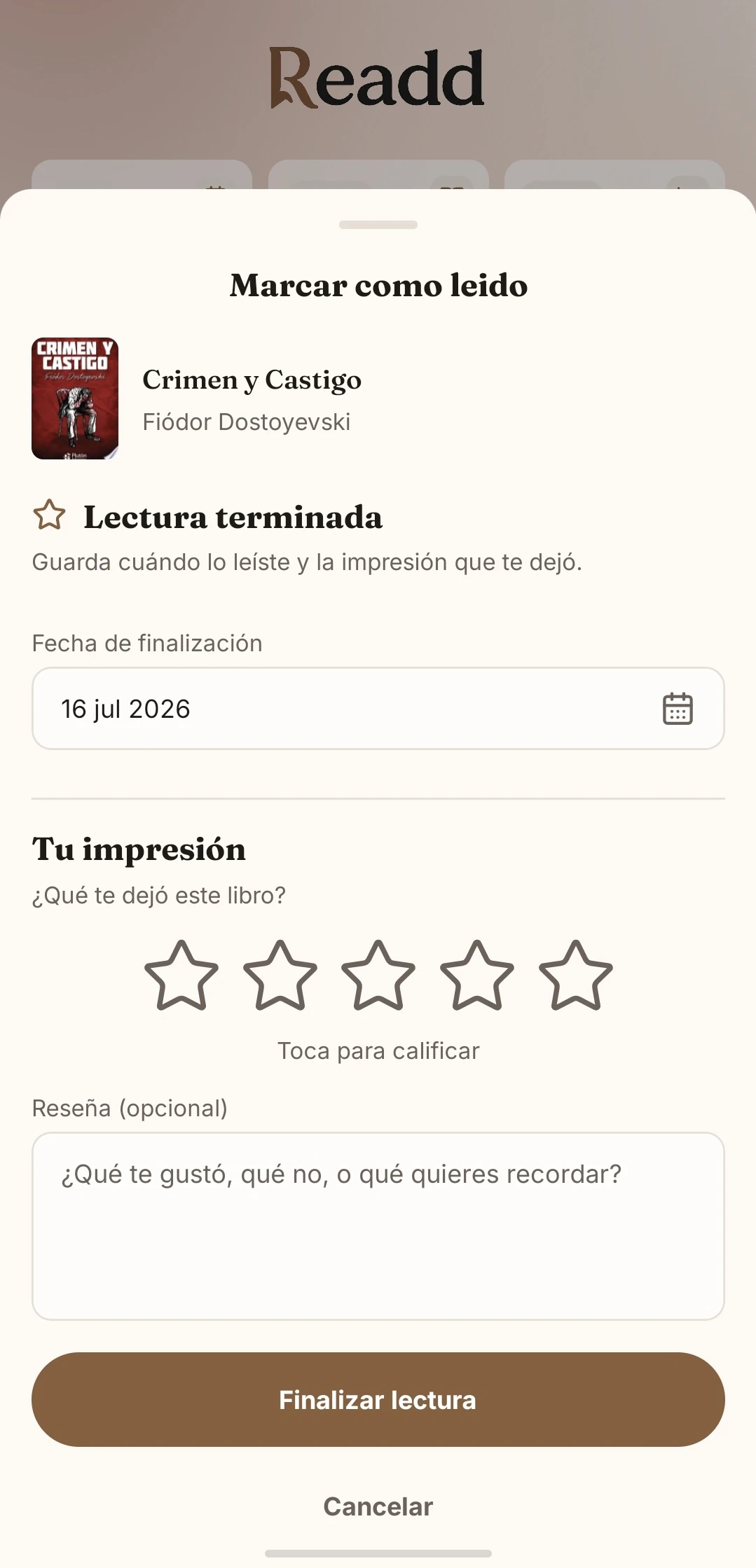
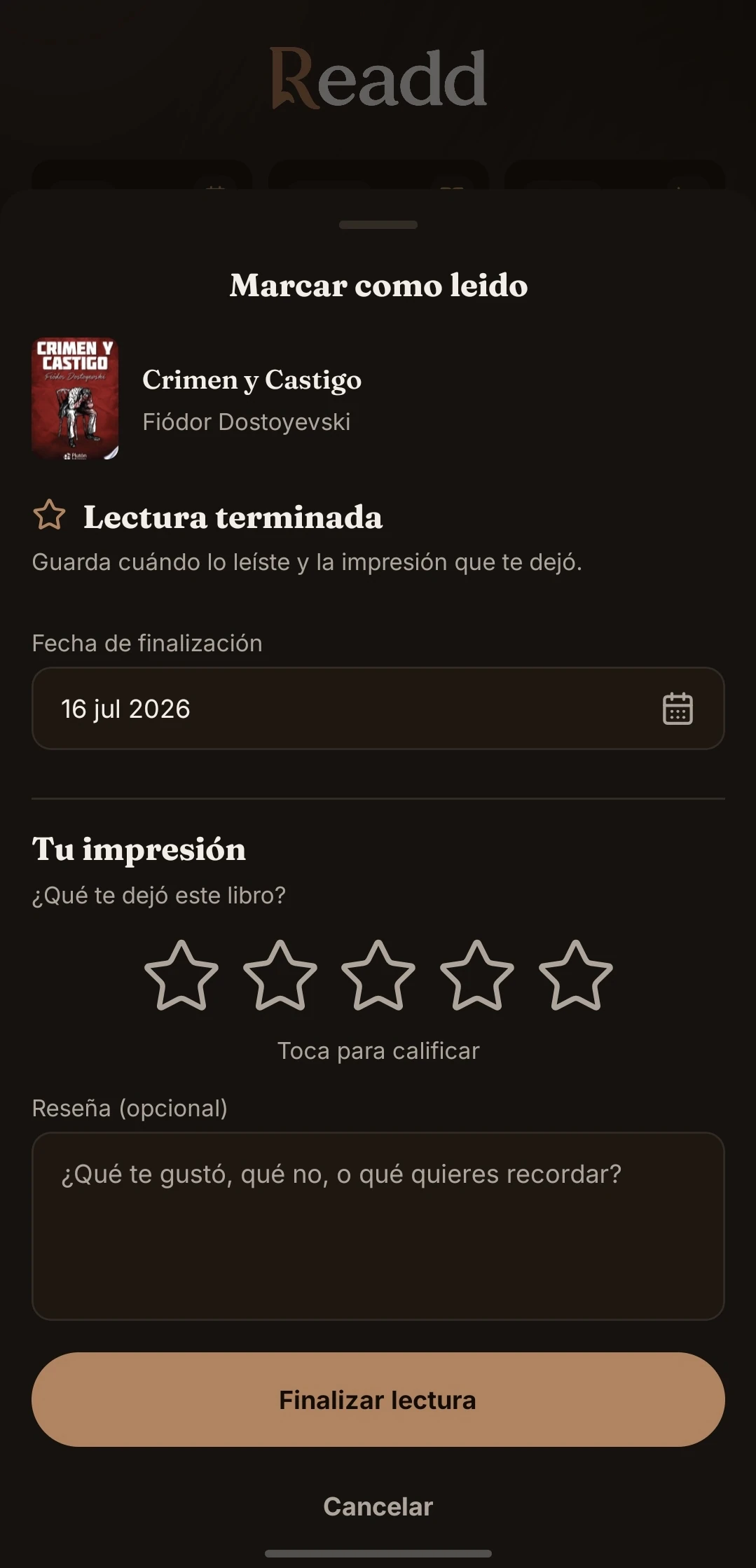
Rate and review them
When you finish a book, give it 1 to 5 stars and save a review to remember what you thought and share it with other readers.
Everything for your reading life
Scan and add
Point your camera at the ISBN barcode and bring the book into your library without typing its data by hand.
A catalog that goes further
Search by title, author or ISBN across Readd, Google Books and Open Library.
Your next read
Discover book suggestions and find new stories from the same search.
No book left out
Manually add any edition with its cover, genres, pages and details.
Covers your way
Keep the original cover, choose an image from your gallery or use your own link.
Your story in numbers
Check books finished, pages read, active reads and your progress month by month.
A more personal way to read
Your library should tell your story.
It's not just about finishing books. It's about remembering what changed after reading them.
Read at your own pace
Track your progress without losing sight of what matters: enjoying every read.
Keep what you thought
Save a review and the impression each book left while it is still fresh.
Return to what moved you
Browse your history and rediscover the reads that are already part of your story.